
User guide
Set up your Talec Smart Scale
Five short steps, about 3 minutes. Tick each one as you go.
Setup
0 of 5 done
- 1
Put in the batteries
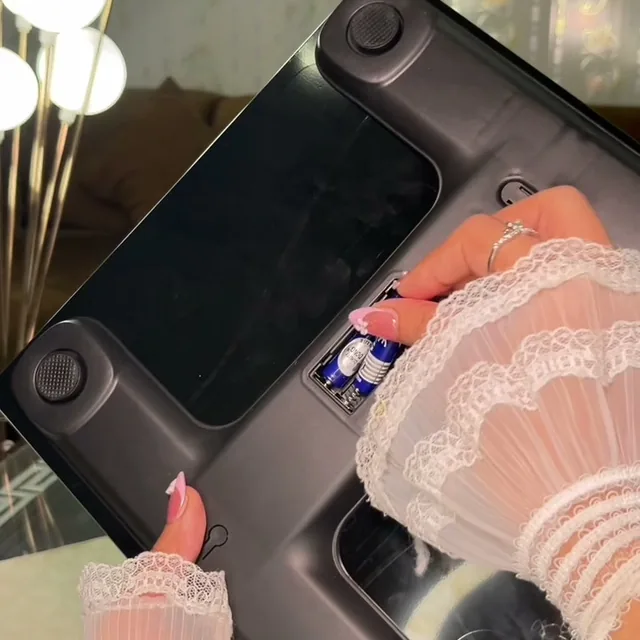
Turn the scale over, open the battery cover and put in the 2 AAA batteries from the box. Match the + and − marks.
- 2
Download the app
 OKOK InternationalFree for iPhone and Android


Look for the full name OKOK International. The app called only “OKOK” is in Chinese and will not work.
- 3
Create your profile
- Open the app and enter your name, gender, age and height (cm).
- Tap Allow for every permission it asks for.
- Turn Bluetooth on. On Android, turn Location on too.
Your results are calculated from this profile, so enter your real height and age.
- 4
Weigh yourself
- Put the scale on a hard, flat floor (not carpet).
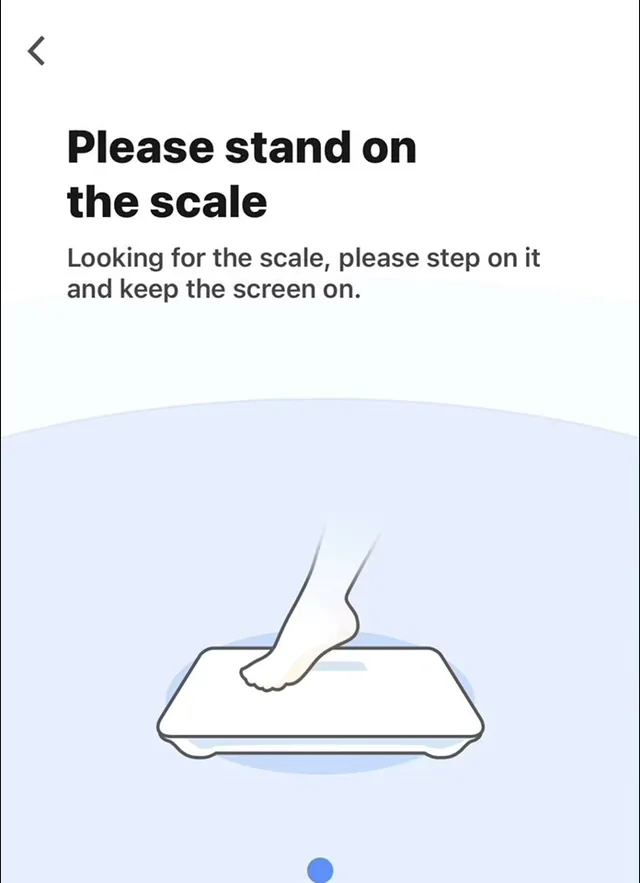
- Open the app and start a weighing.
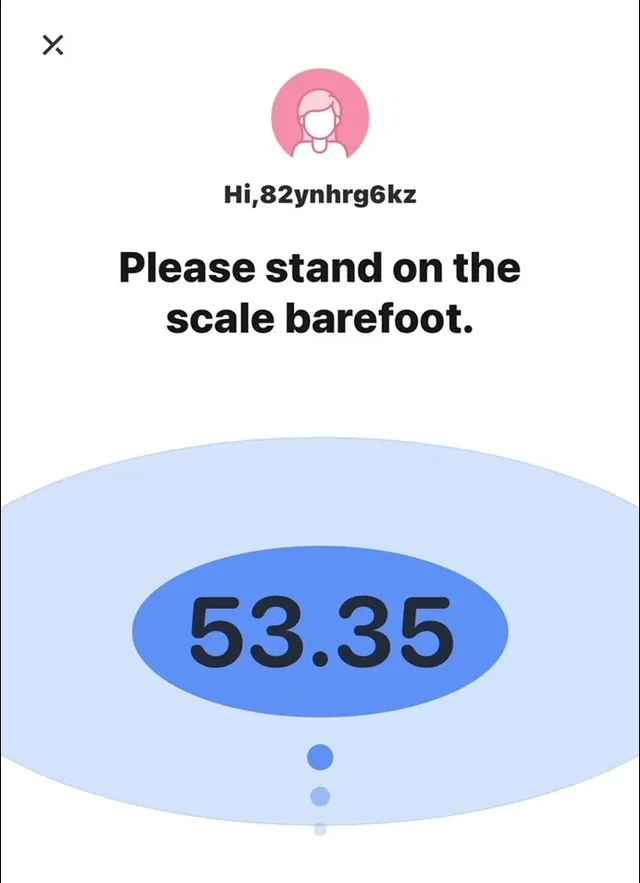
- Step on barefoot and stand still until the app finishes.
Connect from inside the app. You do not need to pair the scale in your phone’s Bluetooth settings.
- 5
See your report
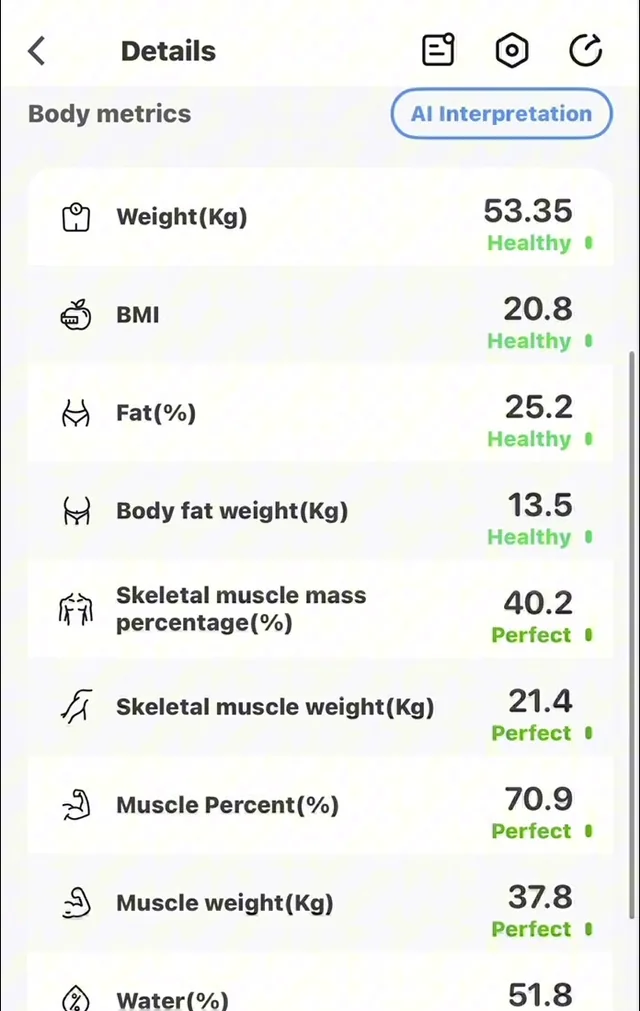
Your weight and body estimates appear in the app. Tap a result to see more, and weigh again over the coming days to see your trend.
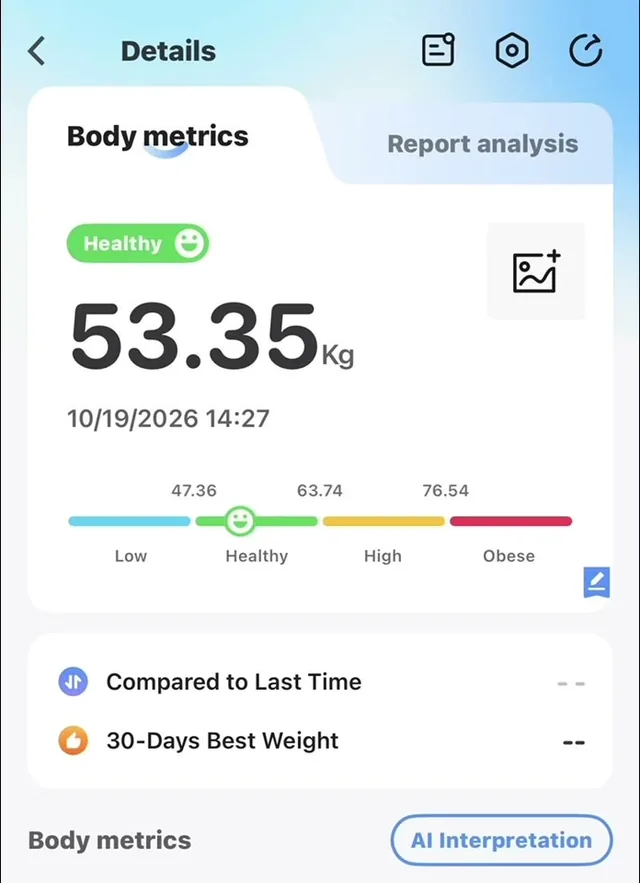
Watch a real weighing
The app from “step on” to results.
Understand your results
Only weight is measured. All other figures are estimates the app calculates from your weight and your profile. Use them to follow your trend, not as medical advice. Ask a doctor about health decisions.
Weight
Measured by the scale, shown in kg.
BMI
Your weight compared with your height.
Body Fat %
Estimated share of your weight that is fat.
Visceral Fat
Estimated level of fat around your organs.
Subcutaneous Fat
Estimated fat stored just under the skin.
Show all 13 results
Muscle Mass
Estimated weight of your muscles.
Skeletal Muscle
Estimated muscle attached to your bones, used for movement.
Body Water %
Estimated share of your weight that is water.
Protein %
Estimated share of your body that is protein.
Bone Mass
Estimated weight of the minerals in your bones.
Basal Metabolic Rate
Estimated calories your body uses in a day at rest.
Metabolic Age
An estimate that compares your profile with typical values for different ages.
Fat-Free Body Weight
Your weight without the estimated fat.
For steady readings
- Same time, ideally in the morning before eating.
- Same place, on a hard, flat floor.
- Bare, dry feet, standing still.
- Compare weeks, not single readings.
Fix a problem
Tap what is happening.
The app does not find my scale
- Turn Bluetooth on (Android: Location too).
- Allow all app permissions in your phone’s settings.
- Open the app first, then step on the scale to wake it.
- Keep the phone within 1–2 metres.
- Close the app fully, open it again and retry.
I only see weight, no body results
- Step on barefoot, with dry feet.
- Stand still until the app says it has finished, not only until the scale shows a number.
- Check your height, age and gender are filled in.
The scale does not turn on
- Check the batteries face the right way (+ and −).
- Try 2 new AAA batteries.
- Place it on a hard floor and step firmly on the middle.
The screen shows “Lo”
- The batteries are low. Replace both with new AAA batteries.
My weight changes between readings
- Use the same spot on a hard, flat floor every time.
- Let the screen switch off, then step on again and stand still.
- Small daily changes from food and water are normal. Weigh in the morning for the steadiest trend.
I cannot find the app, or it is in Chinese
- Use these links: iPhone or Android.
- Delete the app called only “OKOK” and install OKOK International.
I want kg instead of lb
- Open the app’s settings and change the weight unit to kg.
Common questions
Is the app free?
Yes. The main features of OKOK International are free. The app shows ads, and it offers an optional paid plan to remove them. You do not need to pay to use your scale.
How many people can use one scale?
The whole family. Each person can install the app on their own phone and create their own profile.
Can I weigh without the app?
Yes. The scale shows your weight on its own screen. You need the app only for the body report.
What is the maximum weight?
180 kg.
How long do the batteries last?
Up to about 6 months, depending on use. When the screen shows “Lo”, put in 2 new AAA batteries.
How do I clean it?
Wipe the glass with a soft, slightly damp cloth and dry it. Never wash the scale or put it in water.
Stay safe: do not stand on the edge of the scale or step on it with wet feet. Maximum weight is 180 kg.
6-month replacement warranty
Starts on your delivery date. Covers manufacturing, screen, reading and Bluetooth faults in normal use. Drops, broken glass, water damage and misuse are not covered.
We are here to help
Monday to Saturday, 10am to 8pm.
Happy with your scale? Send us your review on WhatsApp, or tag @talec.pk.
Send a reviewOrder one for family